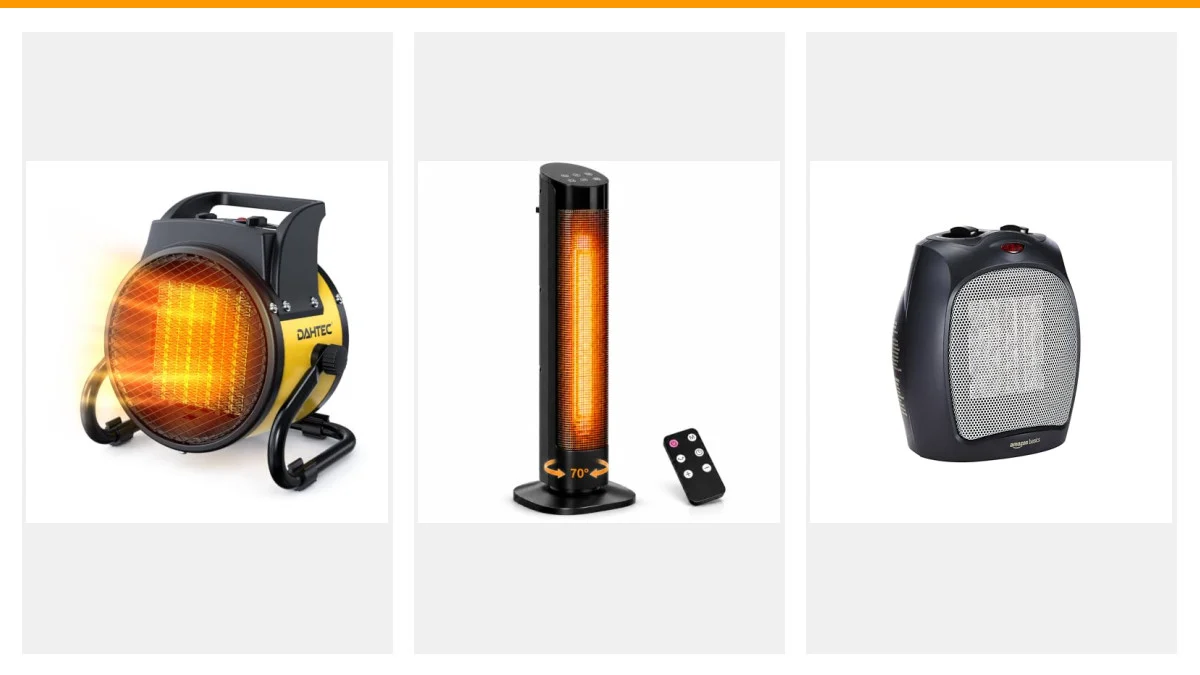
As the temperature drops, many find comfort in their ceramic space heaters. However, encountering an error code, particularly the E1 error, can be frustrating. This code typically indicates a problem, often related to the thermal sensor or other internal components. Understanding what this error means and how to resolve it can save you time and money.
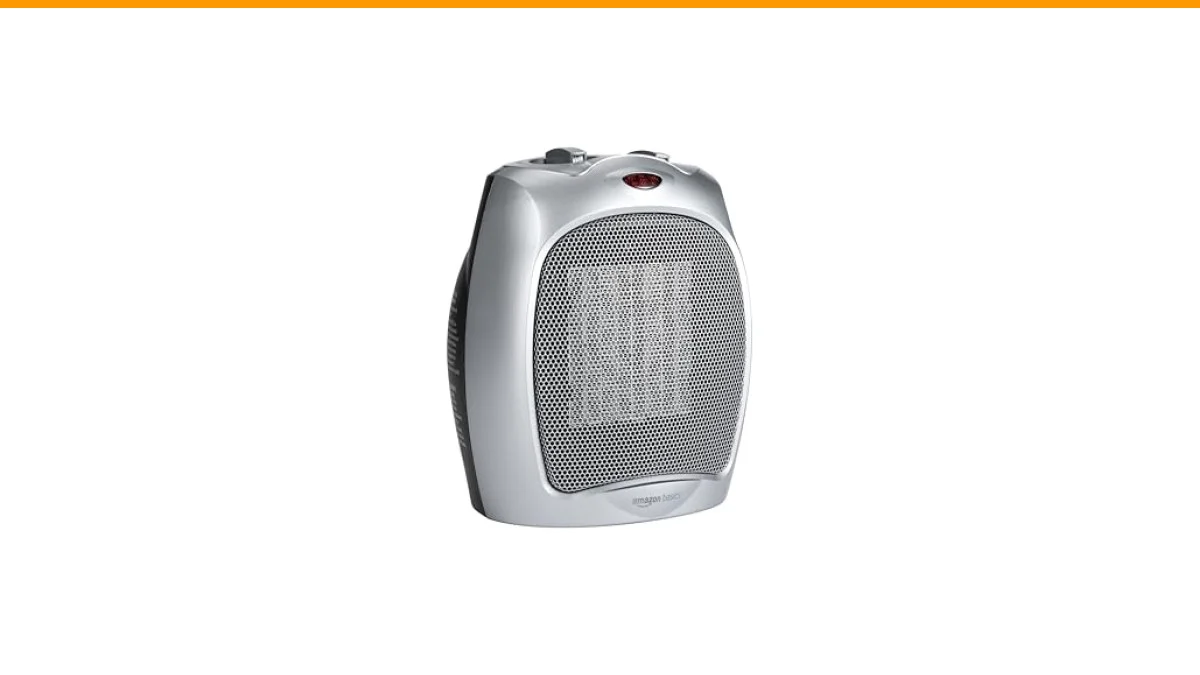
This article will break down the E1 error code, detailing its causes, troubleshooting methods, and preventive measures. You will also learn about effective heating solutions, such as the Amazon Basics Ceramic Space Heater, which offers customizable heating options and safety features for peace of mind.

Amazon Basics
Amazon Basics Ceramic Space Heater, Portable Indoor Heating Solution, With Overheat and Tip-Over Protection, Thermostat, Non-Oscillating, 1500W, Fast Heating, 7.52"D x 6.34"W x 9.45"H, Silver
- CUSTOMIZABLE HEATING OPTIONS: Choose from three settings to suit your needs - High (1500W), Low (900W), or Fan Only for air circul…
- COMPACT & PORTABLE: Weighing just 3 lbs and sized at 7.5“L x 6.3”W x 9.5“H, this space heater is easy to move and perfect for your…
- Built-in Tip-Over Protection, Overheat Protection, and a Power Indicator Light for safe operation.
Understanding the E1 Error Code
The E1 error code on ceramic heaters often signifies an issue with the temperature sensor. This component is crucial for regulating the heater’s operation, ensuring it doesn’t overheat or underperform. When the sensor fails or sends incorrect readings, the heater may shut down to prevent damage, resulting in the E1 error display.
In some cases, the error can also stem from faulty wiring, internal malfunctions, or issues with the unit’s power supply. Identifying the root cause is essential for effective troubleshooting.
Troubleshooting Steps for E1 Error Code
- Check the Power Supply: Ensure the heater is plugged in securely and that the outlet is functioning. Try plugging another device to verify.
- Inspect the Temperature Sensor: Locate the thermal sensor, usually found near the heating element, and check for any visible damage or disconnection.
- Reset the Heater: Unplug the heater for about 10 minutes, then plug it back in. This can sometimes reset the internal circuitry.
- Consult the Manual: Refer to the user manual for specific troubleshooting steps related to the E1 error code. Each model may have unique features.
- Contact Customer Support: If the error persists, reaching out to customer service may be necessary for further assistance or repairs.
Comparison of Heating Options
| Feature | Amazon Basics Ceramic Heater | Standard Oil Heater | Infrared Heater |
|---|---|---|---|
| Heating Time | Fast (minutes) | Slow (20-30 mins) | Moderate (10-15 mins) |
| Portability | Compact | Heavy | Moderate |
| Noise Level | 43 dB | Silent | Silent |
| Safety Features | Tip-over & Overheat Protection | None | Some models include safety features |
Common Questions About E1 Error Code
What does the E1 error code indicate?
The E1 error code typically indicates a malfunction with the ceramic heater’s temperature sensor, requiring inspection or repair.
How can I reset my ceramic heater?
Unplug the heater for about 10 minutes and then plug it back in. This often resets the internal systems and can clear the error.
What should I do if the E1 error persists?
If the E1 error continues to show, check the power supply and inspect the thermal sensor. If those seem fine, contact customer support for assistance.
Can I use my ceramic heater without a temperature sensor?
No, operating a ceramic heater without a functional temperature sensor can lead to overheating and potential safety hazards. Always ensure the sensor is working correctly.
How can I prevent future errors?
Regularly clean your heater and inspect it for any signs of wear or damage. Keeping the unit in a dry, dust-free environment can also help maintain its functionality.
Final Thoughts on E1 Error Code
- Understand the significance of the E1 error code related to your ceramic heater.
- Follow a systematic approach to troubleshoot the issue.
- Consider the Amazon Basics Ceramic Space Heater for a reliable and safe heating experience.
- Always refer to the user manual for specific guidance on your model.
- Contact customer support if troubleshooting does not resolve the issue.
- Regular maintenance can help prevent errors and prolong the life of your heater.
- Stay informed about your heater’s safety features for better usage.