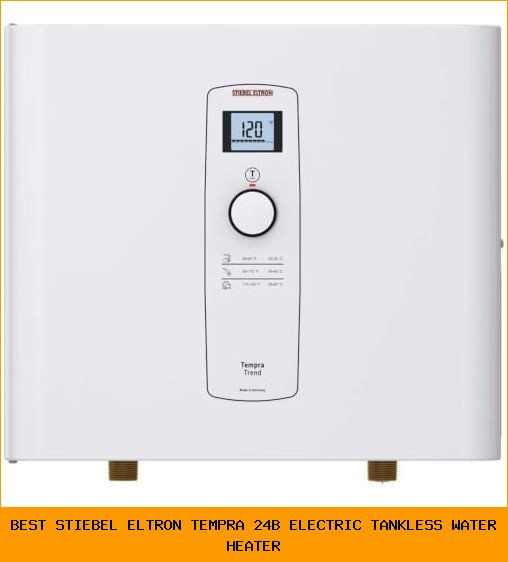
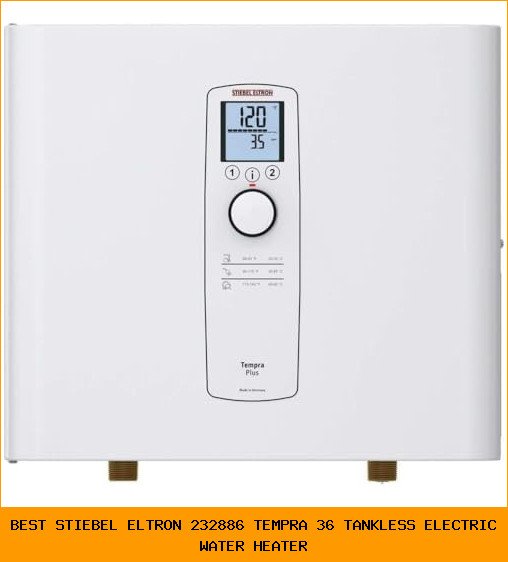
You walk into the kitchen, turn on the hot water tap, and nothing happens. Or maybe the water gets warm but never truly hot. A quick glance at your Navien unit shows a blinking red light or an error code on the display. Before you call a plumber and spend a couple hundred dollars, there’s a good chance a simple reset will fix it.
Navien tankless water heaters are reliable machines, but like any electronic device, they sometimes need a reboot. This article walks you through the exact steps to reset your Navien water heater, explains what each error code means, and tells you when a reset won’t cut it. You’ll save time, avoid unnecessary service calls, and get your hot water back fast.

LECLOC
2.5 Gallon Under Sink Hot Water Heater 304 Stainless Steel Mini Tank, Large LED Temp. Display and Knob, Overheat Cut-Out with Auto Reset, IPX4, Instant Water Heater Electric 120V Plug-In, Modern Gray
- Note: Dimensions of the mini tank water heater is 13" W x 12" D x 13" H. Please check your installation space and the product dime…
- LED Temp. Display with Big Control Knob: The hot water temperature can be set accurately and easily to where you are comfortable
- Thickened 304 Stainless Steel Water Tank: Corrosion resistant, leak-proof and explosion-proof, the mini tank water heater is made…
If you’re dealing with a smaller point-of-use setup—say an under-sink heater that’s acting up—consider the LECLOC 2.5 Gallon Under Sink Hot Water Heater. It’s a compact electric mini-tank with a large LED temperature display and a simple knob for control. While it doesn’t share Navien’s error codes, its overheat cut-out with auto reset means you can often recover it by unplugging and plugging back in. For tight spaces where a full tankless unit doesn’t fit, it’s a practical alternative to keep hot water flowing at a single sink.
When Should You Reset a Navien Water Heater?
Not every problem requires a reset. You should only attempt a reset if you see one of these signs:
- The unit shows an error code (typically ‘E’ followed by a number) on the front display.
- The hot water stops working suddenly, and the power light is on.
- The water temperature fluctuates wildly, then the heater shuts off.
- You hear unusual clicking or buzzing, and the unit locks out.
Do not reset the heater just because the water isn’t hot enough during peak demand. That’s a sizing or flow issue, not a fault condition. A reset clears temporary glitches, not design limitations.
Step-by-Step: How to Reset Your Navien Water Heater
Navien units have a straightforward reset process. The steps are nearly identical across models (NPE-A, NPE-S, NCB, etc.).
What You Need
- Access to the front panel of the heater.
- A small flathead screwdriver or a paperclip (for some models).
- About 2 minutes of time.
The Reset Procedure
- Locate the reset button. On most Navien units, it’s inside the front cover, near the control board. Look for a small red or black button labeled ‘Reset’ or ‘RST.’
- Turn off the unit. Press the power button on the front panel to shut down the heater. Wait 10 seconds.
- Press and hold the reset button for 3 seconds. Use the tip of a screwdriver or paperclip if the button is recessed. Hold it firmly.
- Release the button. You should see the display blink or hear a click.
- Turn the unit back on. Press the power button again. The heater will run a self-diagnostic for about 30 seconds. If the error clears, the standby light will turn solid green or blue (depending on model).
- Test hot water. Open a hot water tap and let it run for 60 seconds. If the heater fires up and delivers steady hot water, the reset worked.
Pro tip: If your Navien has a power cord, you can also unplug it, wait 30 seconds, and plug it back in. That does a full power cycle, which accomplishes the same thing as the reset button. I’ve found this simpler on units where the reset button is hard to reach.
Navien Error Codes That a Reset Will (and Won’t) Fix
Not every error code responds to a reset. Here’s a breakdown based on real-world service calls.
| Error Code | Meaning | Reset Works? | What to Do |
|---|---|---|---|
| E001 | Ignition failure (gas didn’t light) | Sometimes | Check gas supply, then reset. If it reoccurs, call a pro. |
| E003 | Flame loss during operation | Often | Reset once. If it repeats, clean the flame rod. |
| E110 | Water temperature sensor fault | Usually | Reset clears a software glitch. If it returns, sensor may be bad. |
| E301 | Fan motor lock (exhaust blocked) | Never | Check vent for obstructions. Do not reset; fix the blockage first. |
| E416 | Flow sensor fault (no water detected) | Sometimes | Ensure water supply is on and filter is clean. Reset after. |
| E500 | External fault (freeze protection) | No | Unit needs to warm up. Reset won’t help until room temp is above freezing. |
I’ve seen homeowners reset E110 six times in a row, hoping it would stick. It won’t. If a reset works but the error returns within 24 hours, you have a hardware issue—time to call a technician.
Common Reset Mistakes and How to Avoid Them
Three pitfalls I see every year in the field:
1. Resetting without clearing the underlying cause. If you reset an E301 (fan lock) without checking the vent pipe, the unit will try to fire up and immediately fail again. Worse, you could damage the fan motor. Always check the obvious mechanical issue first—blocked vent, closed gas valve, frozen pipe.
2. Holding the reset button too long. Some Navien units treat a long press (over 10 seconds) as a factory reset, which wipes your temperature settings. If your unit suddenly runs at 100°F after a reset, you probably held it too long. Solution: press for exactly 3 seconds, no more.
3. Ignoring the error code history. Navien units store the last 10 error codes in the service menu. If you keep getting the same code, a reset is just a Band-Aid. Press the ‘Menu’ button, scroll to ‘Error Log,’ and see the pattern. Two E003 codes in a week means a dirty flame rod, not a fluke.
Frequently Asked Questions
Why does my Navien water heater keep flashing a red light?
Flashing red usually indicates a lockout condition. Press and hold the reset button for 3 seconds. If the light stays solid after the reset, the fault cleared. If it continues flashing red, check the error code on the display and reference the table above.
Can I reset my Navien water heater without the remote controller?
Yes. The reset button is always on the main unit. You don’t need the remote. If your model has a wired controller, turning off the main power at the breaker for 30 seconds also works as a hard reset.
How often should I reset my Navien water heater?
Ideally, never. A reset is a troubleshooting tool, not routine maintenance. If you find yourself resetting weekly, something is wrong. Frequent resets can indicate a failing component like a dirty filter, a weak fan motor, or a gas pressure issue.
Will resetting my Navien water heater delete my settings?
A short reset (3-second press) does not change your temperature or mode settings. A factory reset—holding the button for 10+ seconds—will erase everything and restore defaults. If your unit suddenly shows 120°F after a reset, you accidentally did a factory reset. Re-enter your preferred temperature.
Does the LECLOC mini-tank heater have a similar reset function?
The LECLOC 2.5 Gallon Under Sink Heater uses a mechanical overheat cut-out with auto reset. If it shuts off due to overheating (rare in normal use), it resets automatically once the water cools down. You can also do a manual power cycle by unplugging it for 30 seconds. It does not have error codes or a dedicated reset button like Navien.
What to Do When a Reset Doesn’t Work
If you’ve followed the steps above and the error comes back, stop resetting. Repeated power cycles can damage the control board. Here’s your next move:
- Check the error log. As mentioned, repeat offenders point to a real fault.
- Clean the water filter. A clogged inlet filter is the #1 cause of intermittent errors on Navien units. Turn off water, unscrew the filter screen, and rinse it.
- Inspect the vent pipe. Birds, leaves, and snow can block the exhaust. A blocked vent triggers E301 or E003.
- Call a Navien-certified technician. Some problems—like a bad gas valve, failed thermistor, or control board—require professional diagnostics. Don’t guess; you could void the warranty.
- Consider a backup point-of-use heater. If your main Navien goes down for repair, a small unit like the LECLOC under-sink heater can keep one sink operational. It plugs into a standard 120V outlet and heats water instantly for washing hands or dishes. No complex reset procedure—just plug it in and set the temperature with the knob.