Winter is here, and you rely on your ceramic heater to keep your space warm. One moment, it’s working perfectly, and the next, you notice the fan isn’t spinning. This frustrating situation can leave you wondering what went wrong and how to fix it. Understanding the reasons behind a non-spinning fan can save you time and ensure you stay cozy during the colder months.
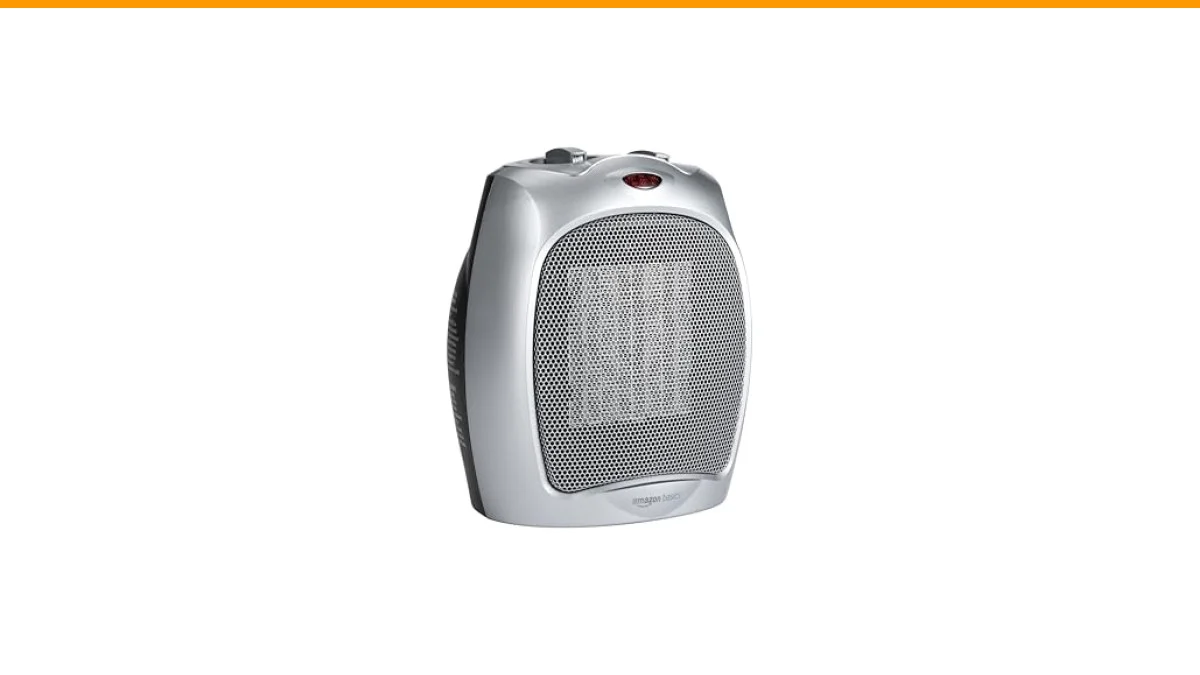
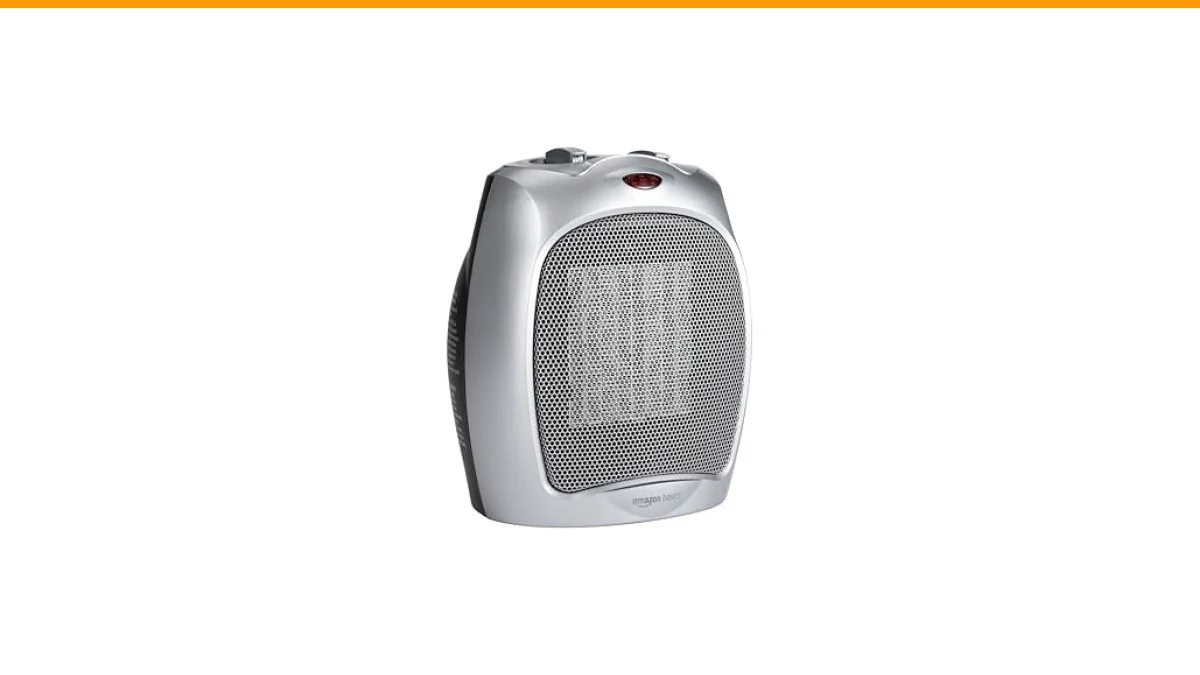
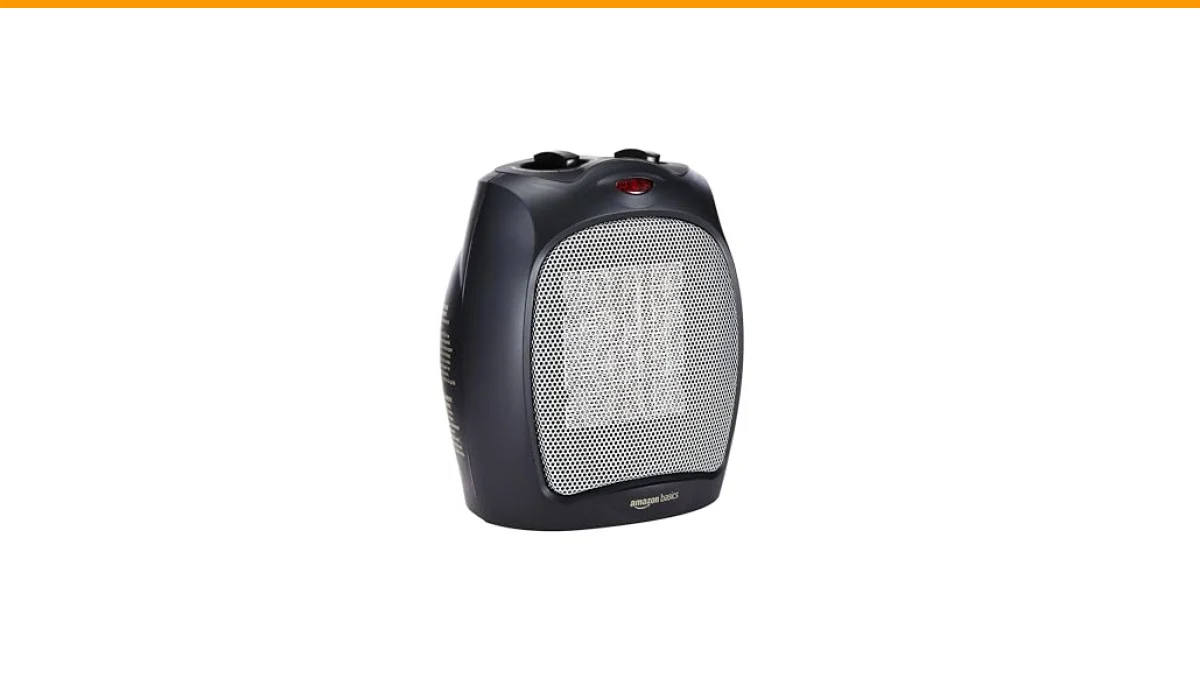
In this article, you’ll learn about common causes for a ceramic heater fan not spinning, practical troubleshooting steps, and when it’s time to seek professional help. You’ll also find helpful information about the Amazon Basics Ceramic Space Heater, which offers customizable heating options and safety features, making it a reliable choice for indoor heating.
Let’s dive into the reasons and solutions for your ceramic heater fan troubles.
Common Causes of a Non-Spinning Fan
Several factors can lead to the fan in your ceramic heater not spinning. Identifying the root cause is crucial for effective troubleshooting. Here are some common culprits:
- Power Supply Issues: Ensure the heater is plugged in and the outlet is functional. A blown fuse or tripped breaker can also cause power interruptions.
- Overheating Protection: Many ceramic heaters have built-in safety features that turn off the fan if the unit overheats. If your heater isn’t spinning, it might have entered this safety mode.
- Mechanical Obstructions: Dust or debris can clog the fan, preventing it from spinning. Regular maintenance can help avoid this issue.
- Faulty Motor: The fan motor itself may be malfunctioning. If the motor is damaged, it won’t spin, requiring repair or replacement.
Troubleshooting Steps
Now that you know the potential causes, here’s how to troubleshoot your ceramic heater fan:
- Check the Power Supply: Make sure the heater is plugged in securely. Test the outlet with another device to ensure it’s working.
- Inspect for Overheating: If the heater has been running for a long time, turn it off and let it cool down. Check the manual for instructions on resetting the overheat protection.
- Clean the Fan: Unplug the heater and use a soft brush or vacuum to remove dust from the fan and vents. Ensure no objects are blocking the fan’s movement.
- Test the Motor: If the fan still doesn’t spin, listen for unusual sounds when you turn the heater on. If you hear grinding or no sound at all, the motor may need replacement.
When to Seek Professional Help
If your troubleshooting efforts haven’t resolved the issue, it may be time to consult a professional. Consider these scenarios:
- If the fan motor is not working despite cleaning and checking connections.
- When the heater repeatedly enters overheating protection mode without a clear reason.
- If you notice any burning smells or unusual noises that could indicate electrical issues.
Attempting to repair electrical components without expertise can be dangerous. Always prioritize safety and call a professional if in doubt.
Comparison Table of Troubleshooting Options
| Issue | Troubleshooting Steps | Difficulty Level |
|---|---|---|
| Power Supply Issues | Check outlet and plug connections | Easy |
| Overheating Protection | Allow cooling and reset | Easy |
| Mechanical Obstructions | Clean fan and vents | Moderate |
| Faulty Motor | Listen for sounds, consider replacement | Difficult |
Why is my ceramic heater fan not spinning?
A ceramic heater fan may not spin due to power supply issues, overheating protection, mechanical obstructions, or a faulty motor.
How can I fix a ceramic heater fan that isn’t spinning?
Start by checking the power supply, allowing the heater to cool, cleaning the fan, and inspecting the motor for issues.
What should I do if my heater keeps overheating?
If your heater consistently overheats, check for blockages, ensure proper ventilation, and consult a professional if the issue persists.
Is it safe to use a ceramic heater with a non-spinning fan?
No, using a heater with a non-spinning fan can lead to overheating, which poses fire hazards. Address the issue before continuing use.
Can I repair the fan motor myself?
Repairing the fan motor involves electrical components and can be risky. If you’re not experienced, it’s best to hire a professional.
Helpful Tips for Maintaining Your Ceramic Heater
- Regularly check and clean the fan and vents to ensure optimal airflow.
- Keep the heater on a flat, stable surface to prevent tipping.
- Avoid using the heater in humid areas to extend its lifespan.
- Follow the manufacturer’s guidelines for usage and maintenance.
- Consider using a heater with safety features, like the Amazon Basics Ceramic Space Heater, for added peace of mind.